How to use NFC Tools App - iPhone Compatibility Guide with Screenshots
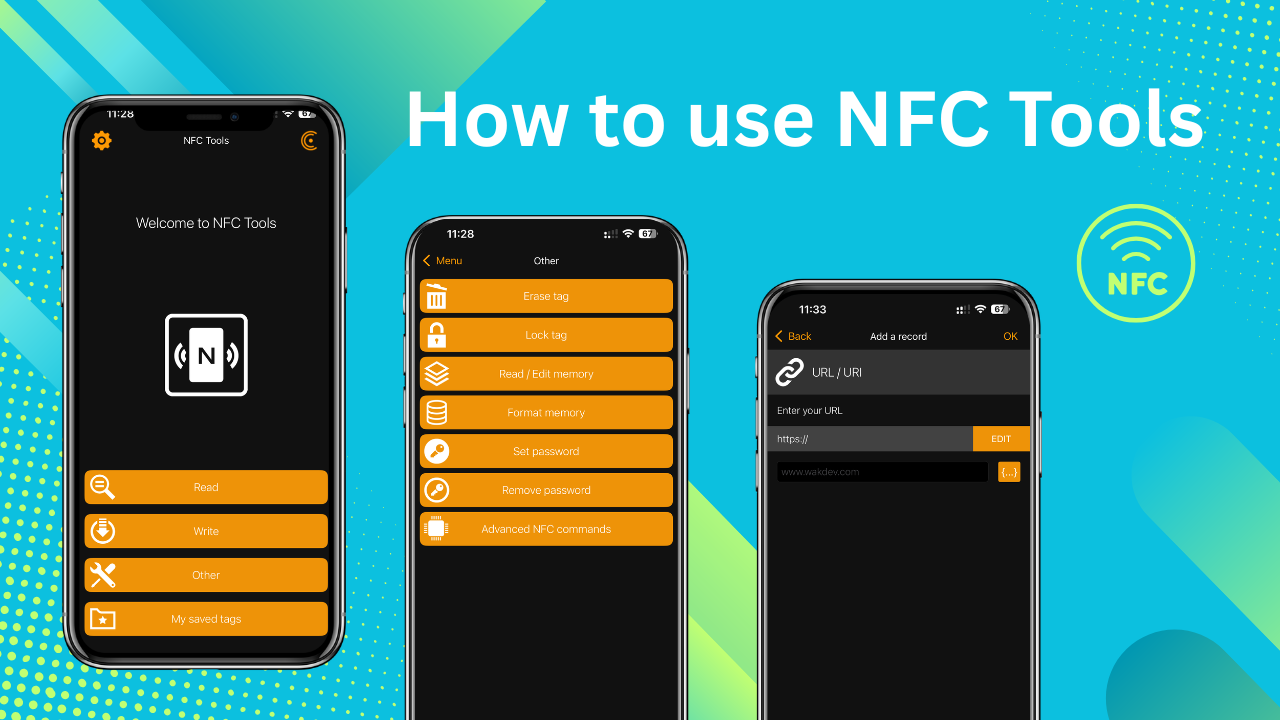

iPhone users often encounter an unexpected behavior when scanning NFC tags containing text messages - the phone simply doesn't display anything. This isn't a settings problem or hardware malfunction; it's a fundamental iOS limitation where iPhones cannot read NFC text records natively without a specialized app.

While Android devices automatically display NFC text content when scanned, iPhones require a different approach. The iOS system only supports certain NFC record types for automatic reading, and plain text isn't one of them. When iPhone users scan NFC tags that contain a text record, nothing will open up. It will seem as if the NFC is not compatible with iPhones or that the NFC does not work with iOS, but this is not necessarily accurate. To read an NFC text on an iPhone, you actually have to open up an NFC read/write app in order to scan the NFC tag and read it properly on an iPhone.
The Universal Solution
Instead of programming your NFC tag with text (which iPhones can't read), you can program it with a URL that displays your text beautifully when opened. This approach works perfectly on both iPhone and Android devices, creating a consistent experience for all users. When someone scans your NFC tag, their iPhone will automatically open the URL in their browser, displaying your text message in a clean, professional format. No apps required, no additional steps - it just works.