How to program your NFC Charm with free NFC Tools App (Copy)
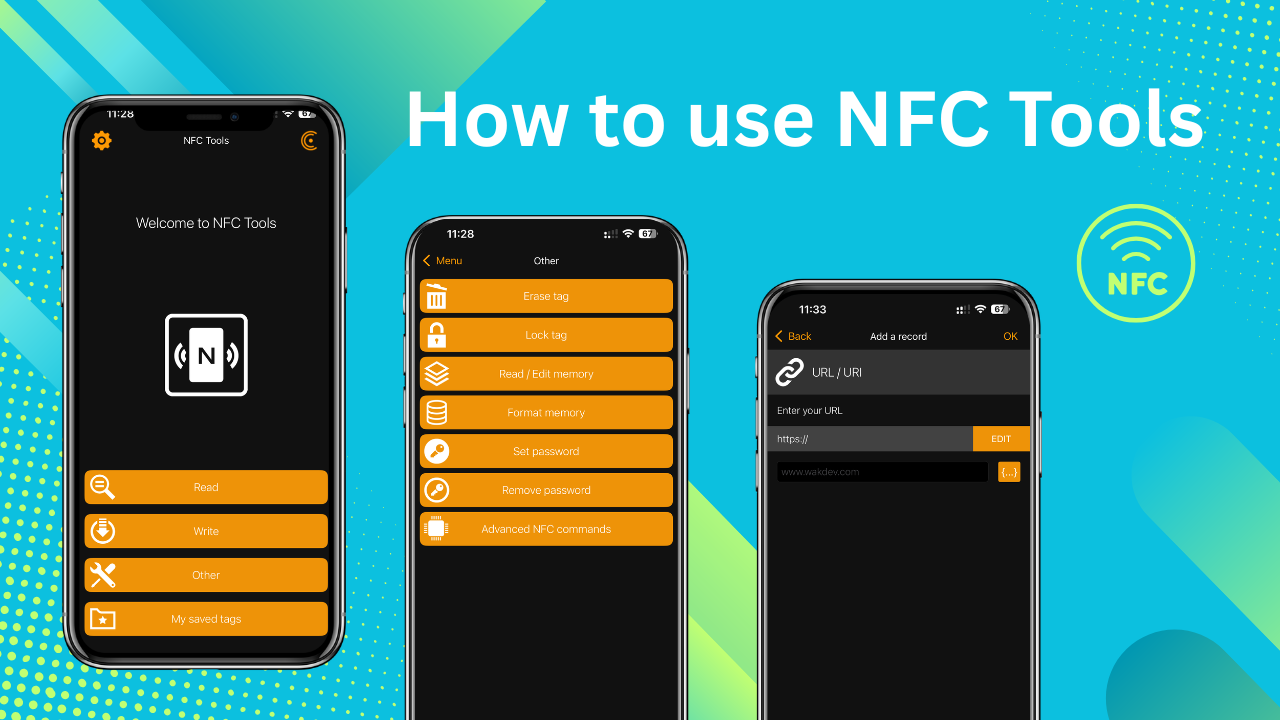
Thanks for purchasing your NFC product from my small business! You can program it yourself any time you want. It is fast and free. All you need is a free app called NFC Tools. With the NFC Tools app (for android or iphones) you can program a URL that will open up and display a message or a website!
Download the App
Look for the official NFC tools app via the mobile app marketplace or use the buttons below to find it.
NFC Tools for AndroidNFC Tools for iPhonePrepare your URL or Message
If you are going to program your NFC product to open up a URL (like Facebook, Venmo, etc) then move onto the next step! But if you are wanting to write a text message (like emergency contact info for your child, a love note or some other message) please use the Text Generator. I created this Text Generator so that any Android or iPhone with NFC can easily tap and read a message. There is currently NO OTHER way of saving a text message on any NFC for both Android and iPhone.
Open NFC Tools app to program the URL
Now that you have your URL you can open up your NFC Tools app and click on WRITE, click on ADD A RECORD, click on URL/URI, then paste your URL in the black box. Click OK to save it. Once you have saved the URL correctly. It will appear in the WRITE screen.
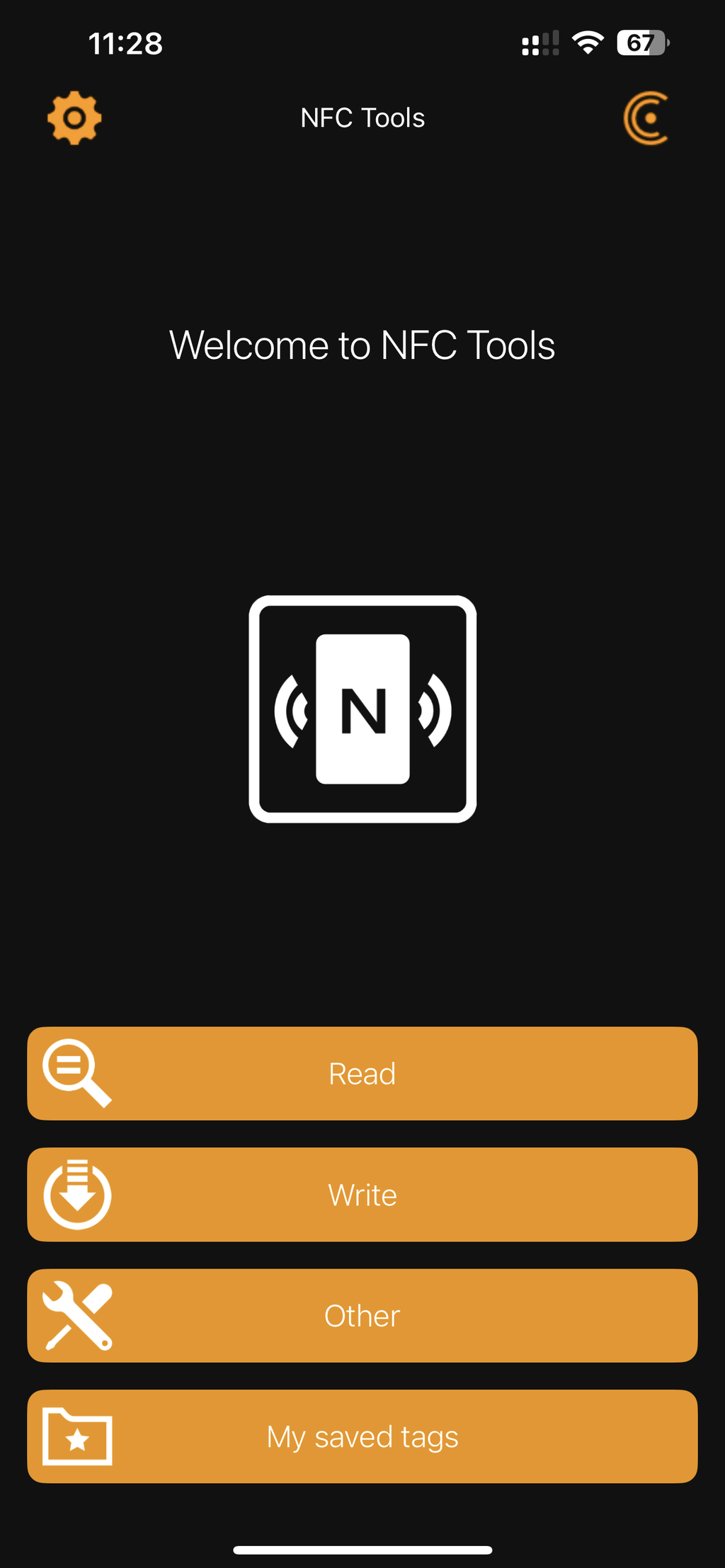
Click on WRITE.
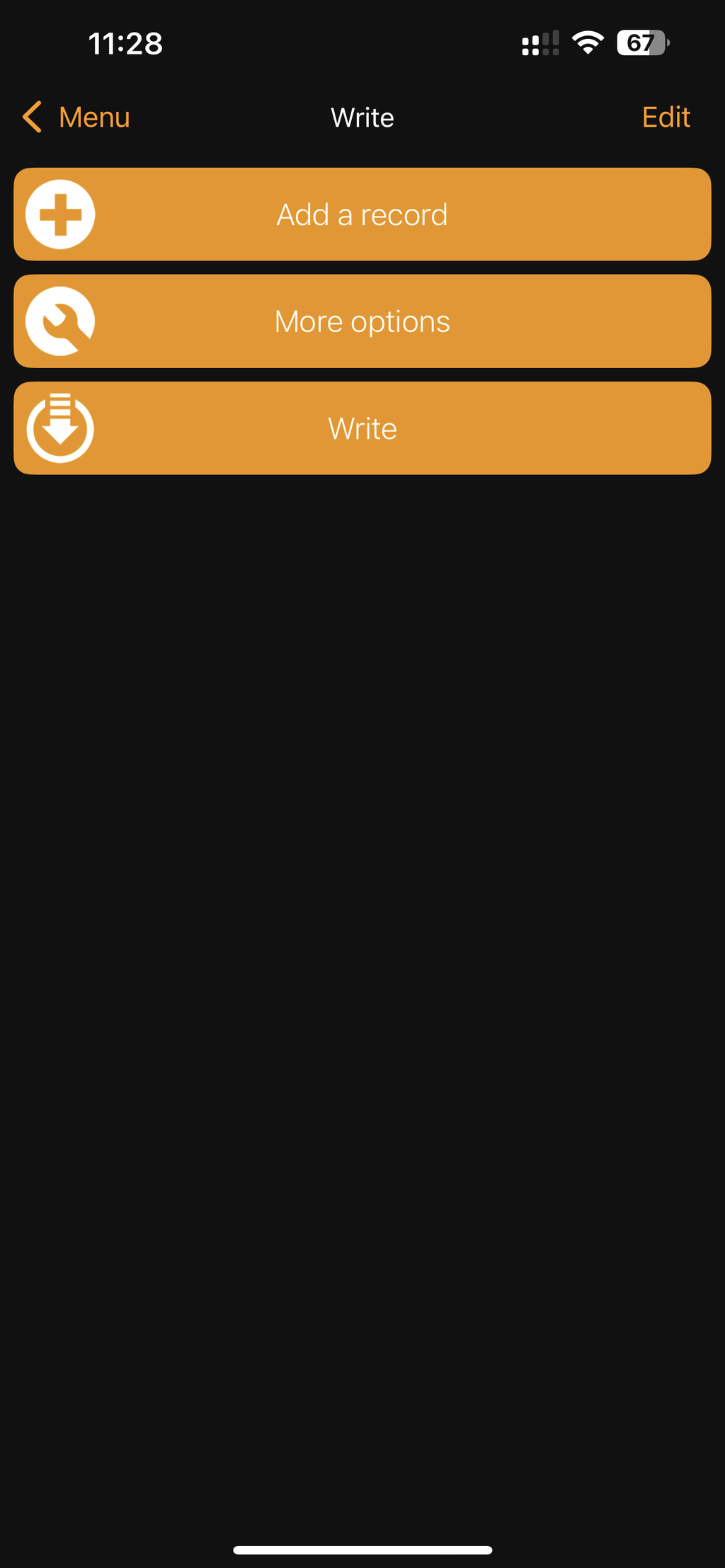
Click on ADD A RECORD.
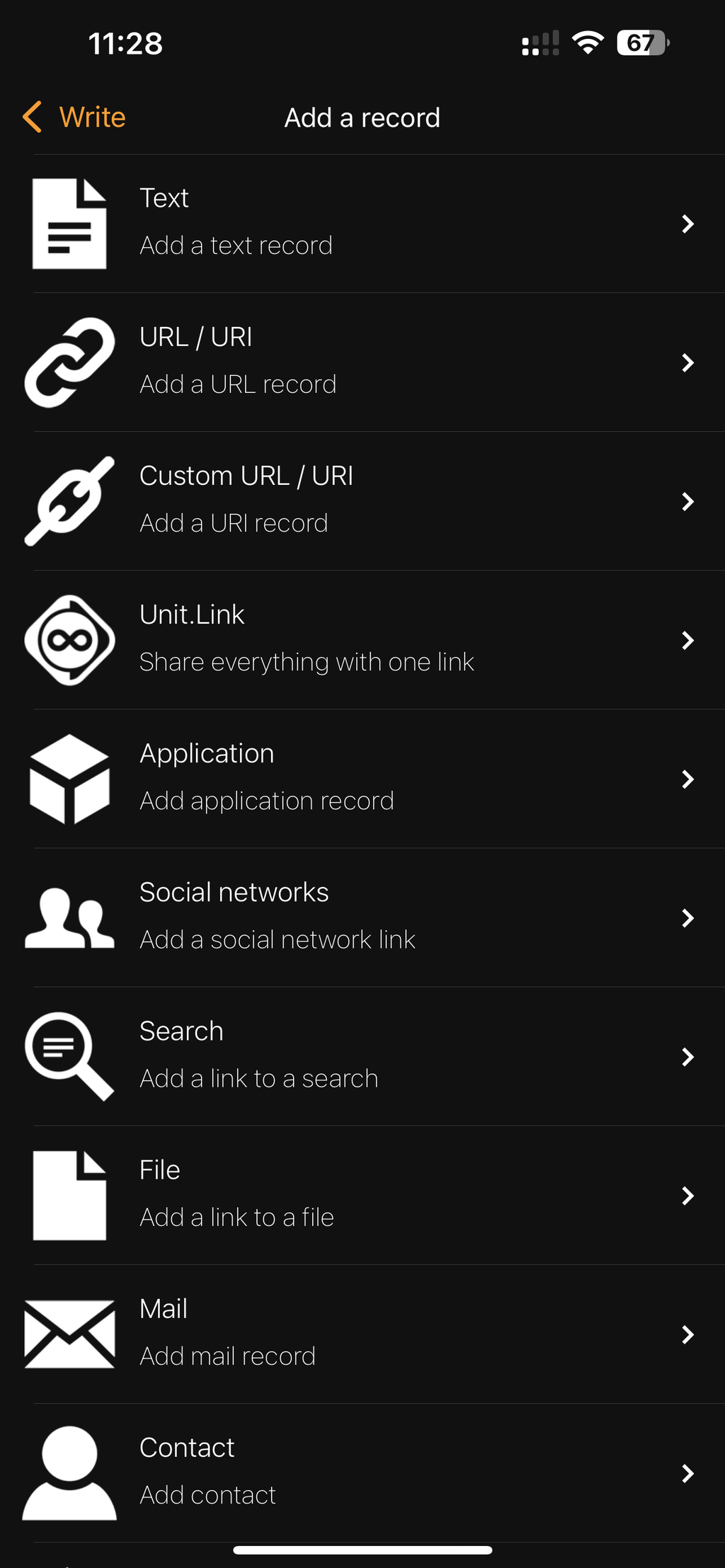
Click on URL/URI.
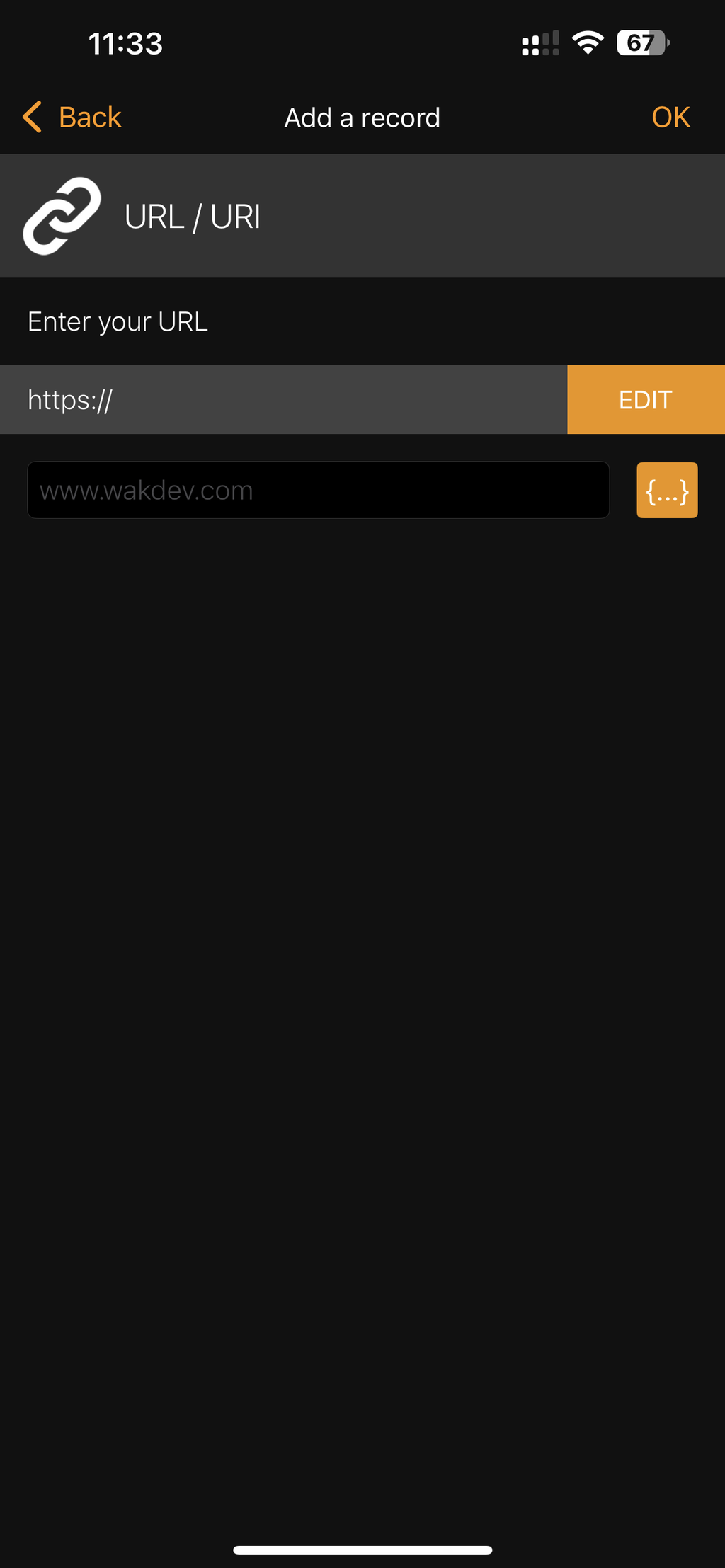
Paste TEXT MESSAGE URL.
Click on WRITE once again. Gently place your NFC product near the top part of your phone so the app can add the URL to your NFC tag. If the NFC does not save, it may be that the URL is too long or the NFC was moved away too fast. After it saves successfully, you will see a checkmark on the screen. Close the app and try tapping the NFC with your phone once again. Make sure your phone is unlocked when you try to tap the NFC.
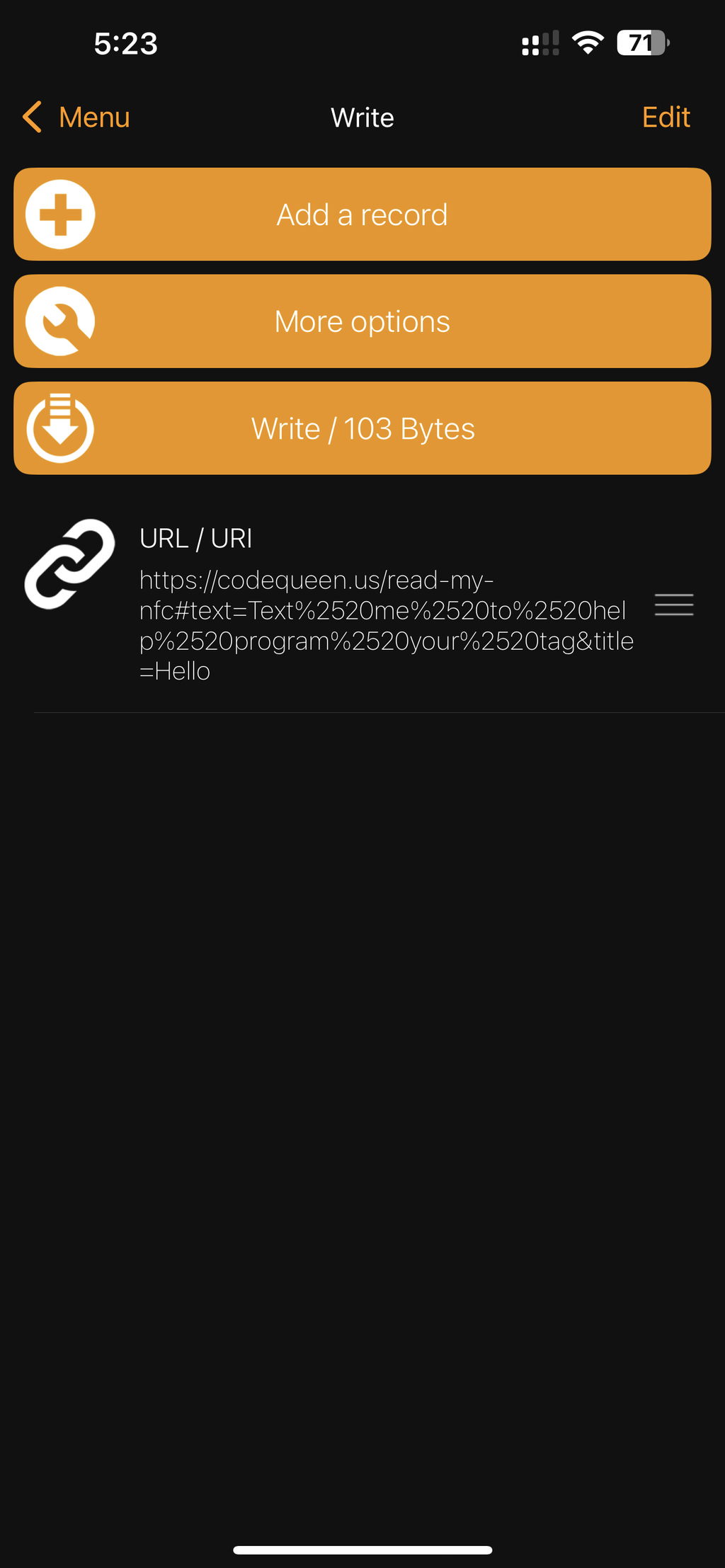
Click on WRITE again.
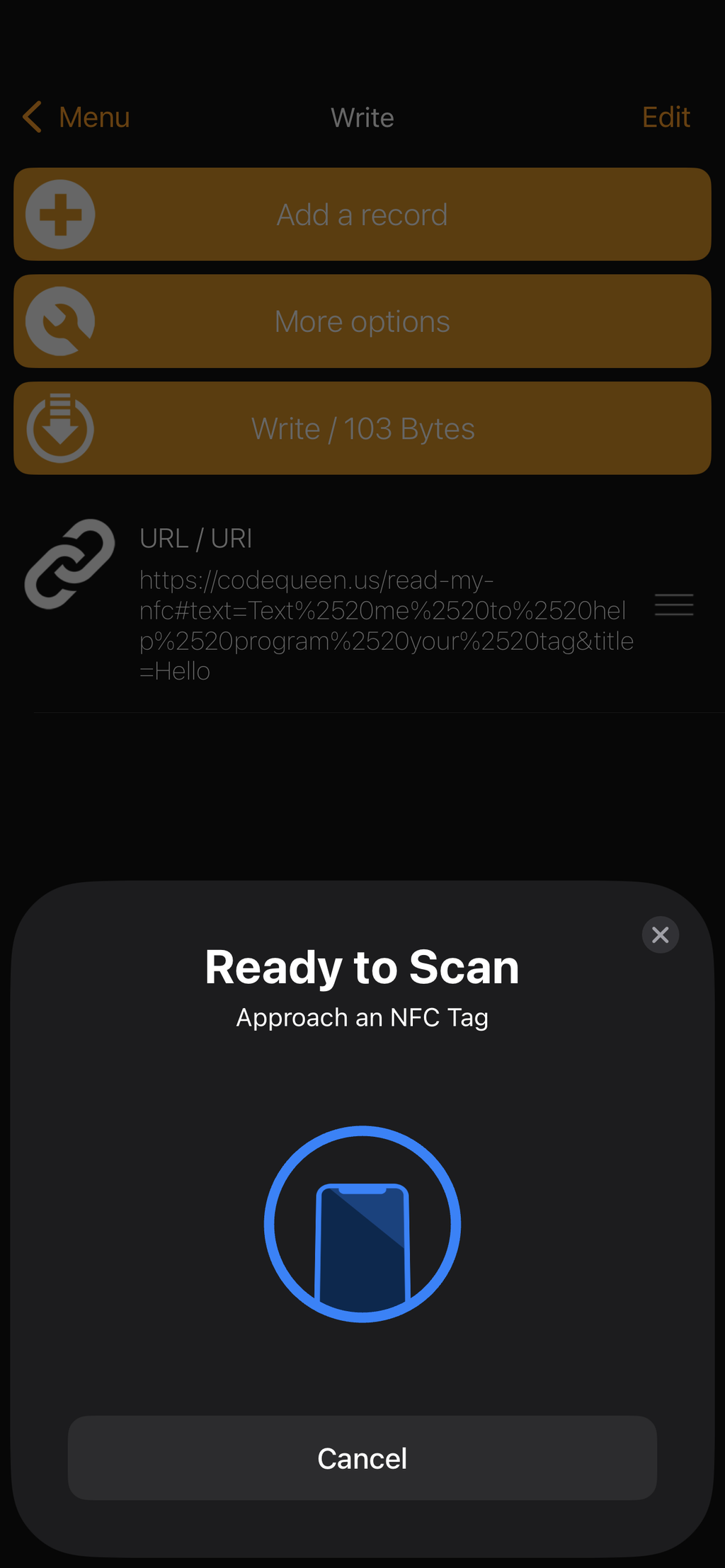
Scan your NFC tag.
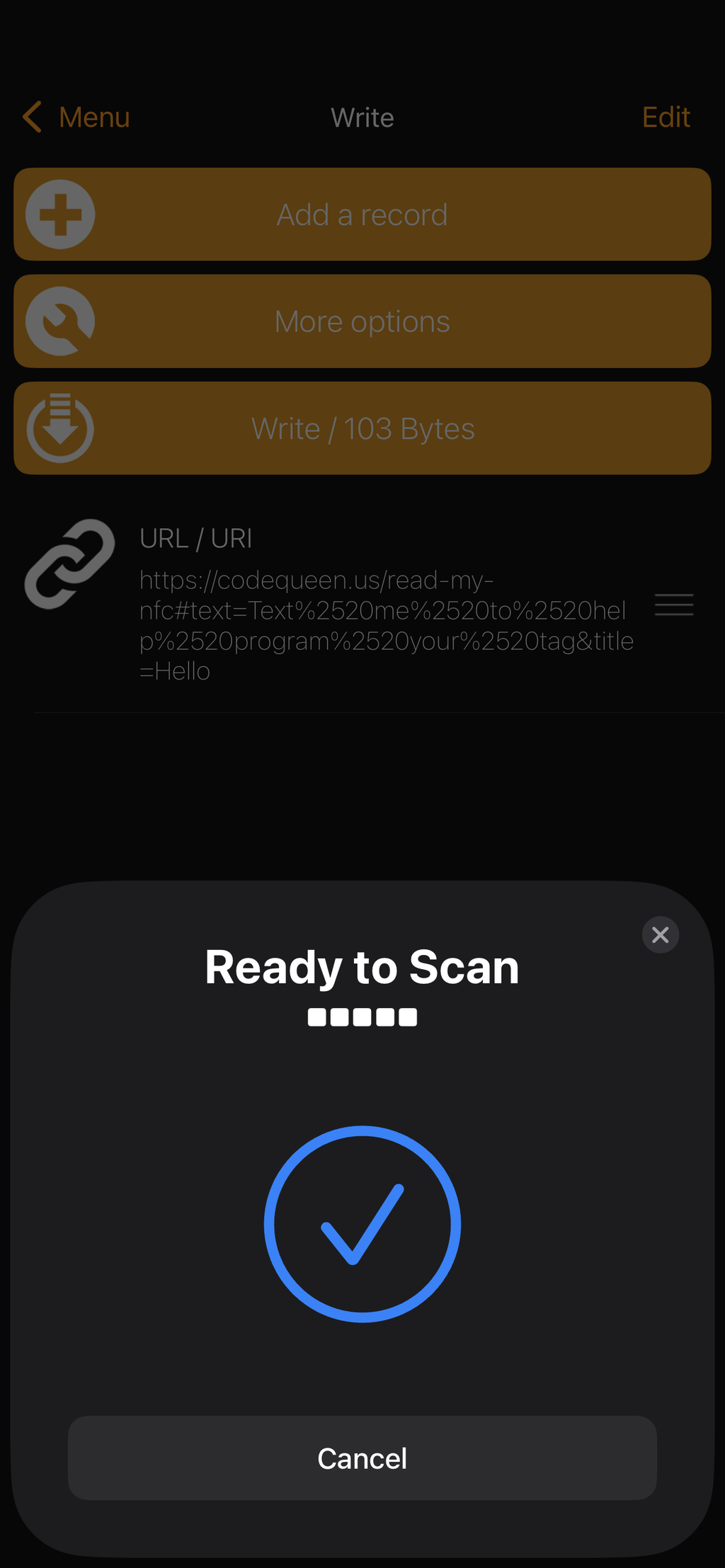
You will see a CHECKMARK.
Test NFC after closing app.
If you have any trouble at all, feel free to reach out to me. You can use my calendar below to book a video call or simply email me: nayeli@codequeen.us or text me (620) 222-0434. I will be happy to help! I live in Lyons so I can meet up with you to help you out as well. Thanks again for your purchase and helping out my small business!